✦ ANALYTICS & INSIGHTS

Build the Dashboard Your Team Actually Needs

Drag, drop and arrange the metrics that matter to you into a dashboard built for your team — no analyst or developer required. Save it, share it, and revisit it whenever you need the full picture.

Drag & DropWidget builder
UnlimitedSaved dashboards
ShareableTeam & leadership views
🔒 app.plumb5.com/custom-dashboards
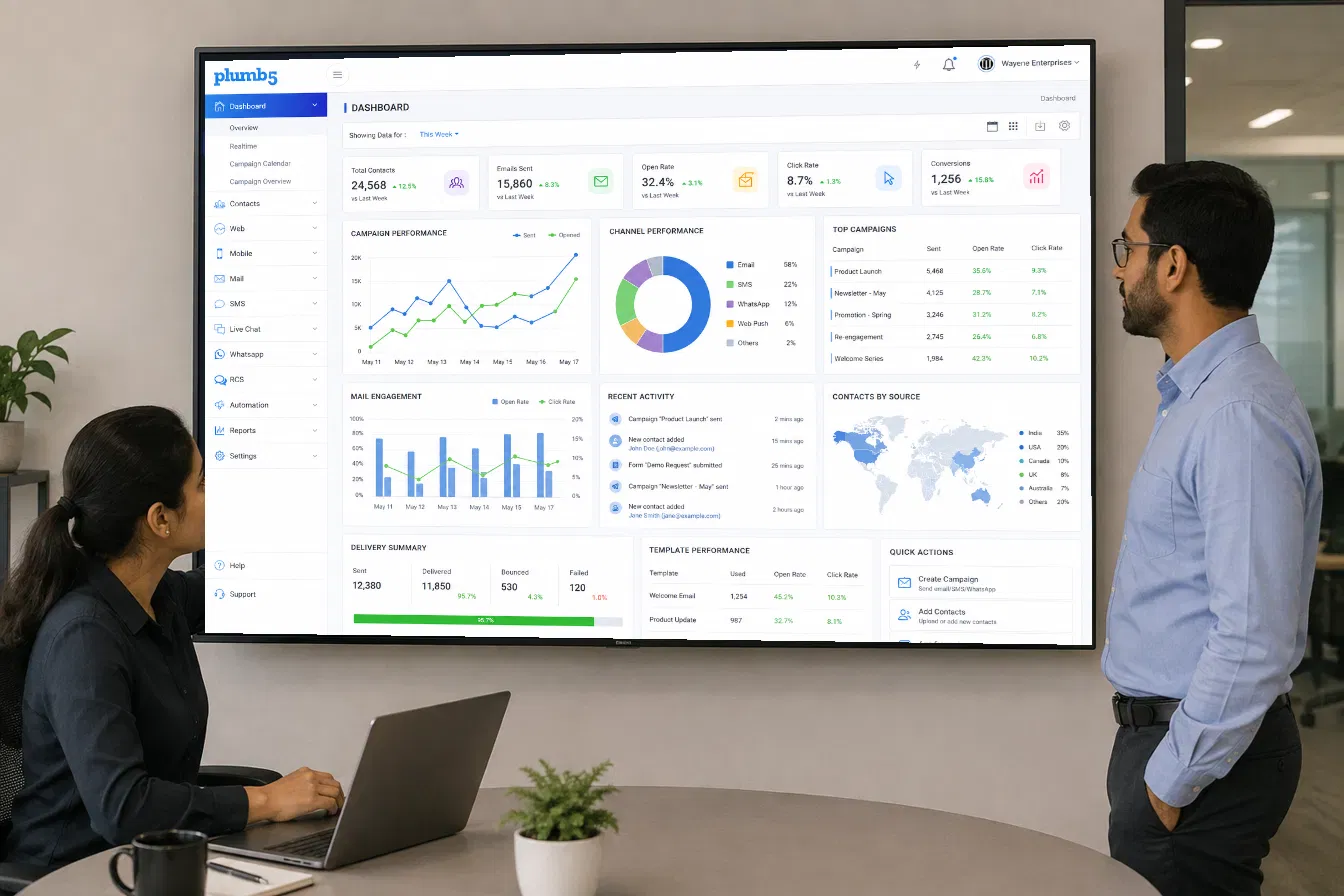
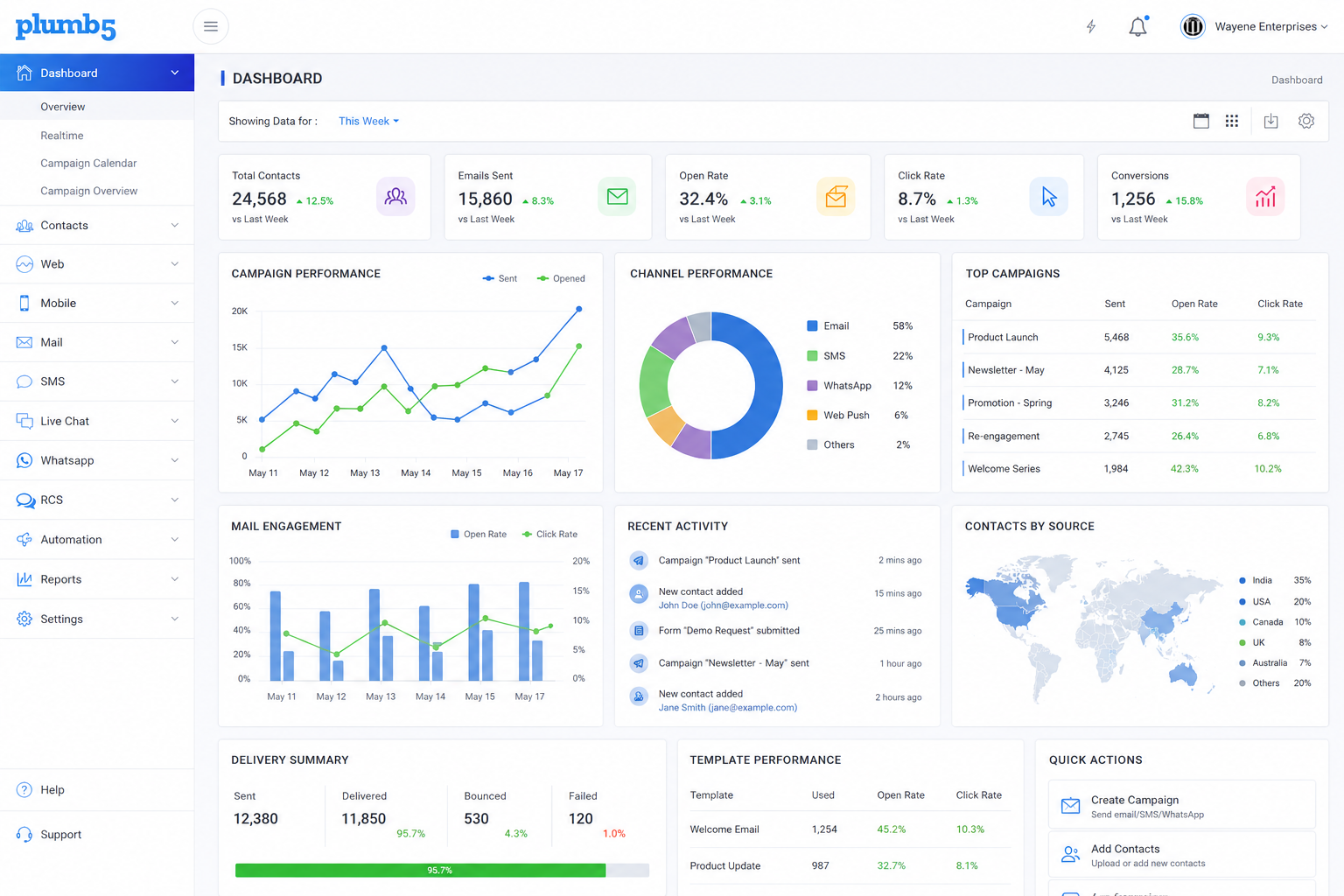
Plumb5 custom dashboard showing web analytics, mail engagement, SMS engagement and site search widgets
HOW TO USE THIS VIEW

Every Team Needs a Different View

A marketing lead, a CX manager and the CEO don't need the same numbers on screen. Custom Dashboards let each team build the exact widget layout that answers their questions — without waiting on a report.

1Build a leadership dashboard tracking revenue, conversion rate and channel mix
2Give the campaigns team a live view of open rate, CTR and unsubscribes by channel
3Combine metrics from multiple channels into a single scorecard
4Share a read-only link so stakeholders can check numbers without logging in
Plumb5 custom dashboard with drag and drop widgets
WIDGET LIBRARY

Pick From Ready-Made Widgets

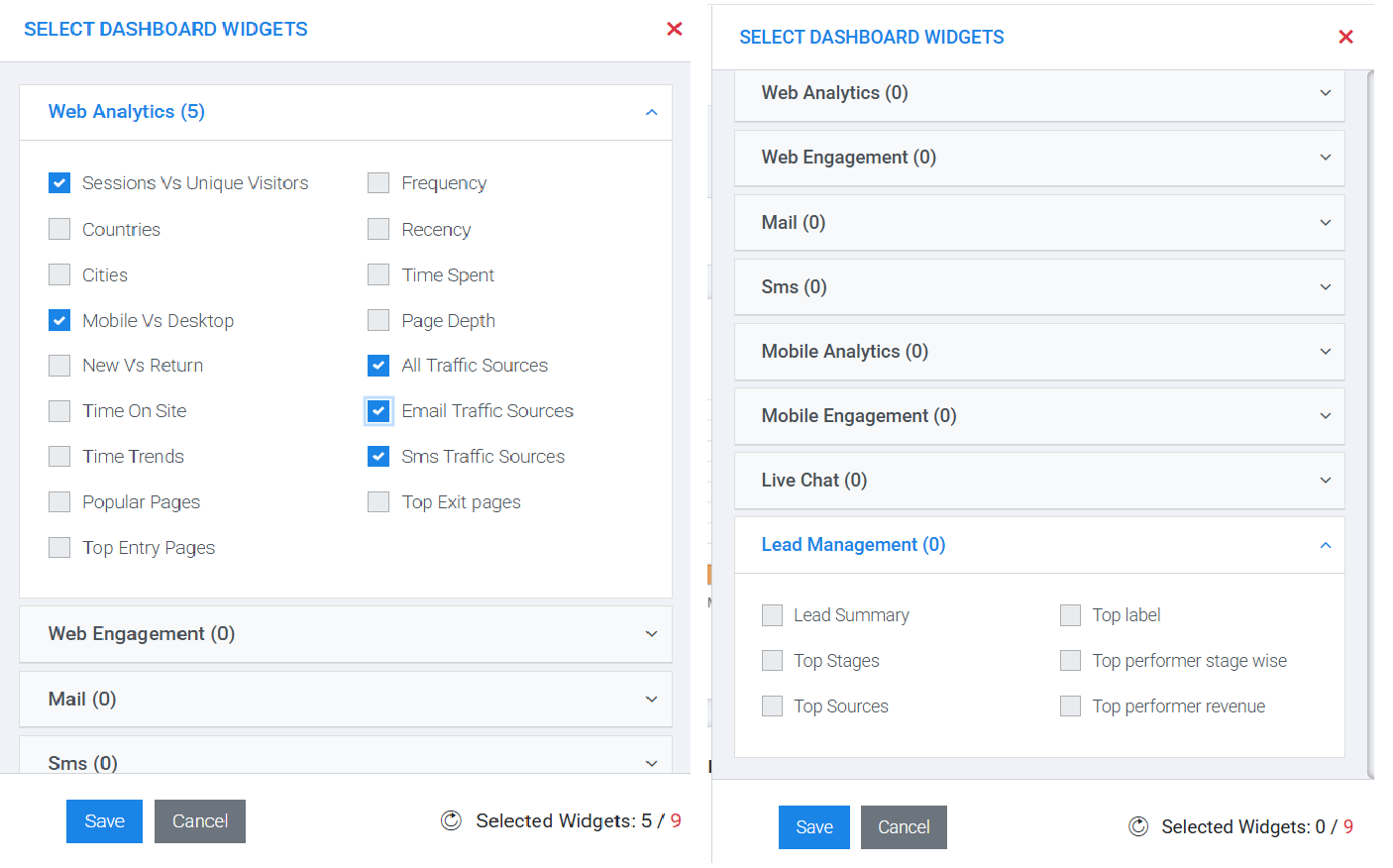
Widgets are grouped by category — Web Analytics, Web Engagement, Mail and SMS — so you can quickly find and tick exactly the metrics you need: Sessions vs. Unique Visitors, Mobile vs. Desktop, Traffic Sources, and more.

A live counter keeps track of how many widgets you've added, so you can build a focused dashboard instead of an overwhelming one — then save it and it's ready instantly.

Plumb5 widget picker showing Web Analytics widgets like Sessions vs Unique Visitors, Mobile vs Desktop and Traffic Sources with a selected widget counter
ONE DASHBOARD, EVERY CHANNEL

See Web, Mail and SMS Side by Side

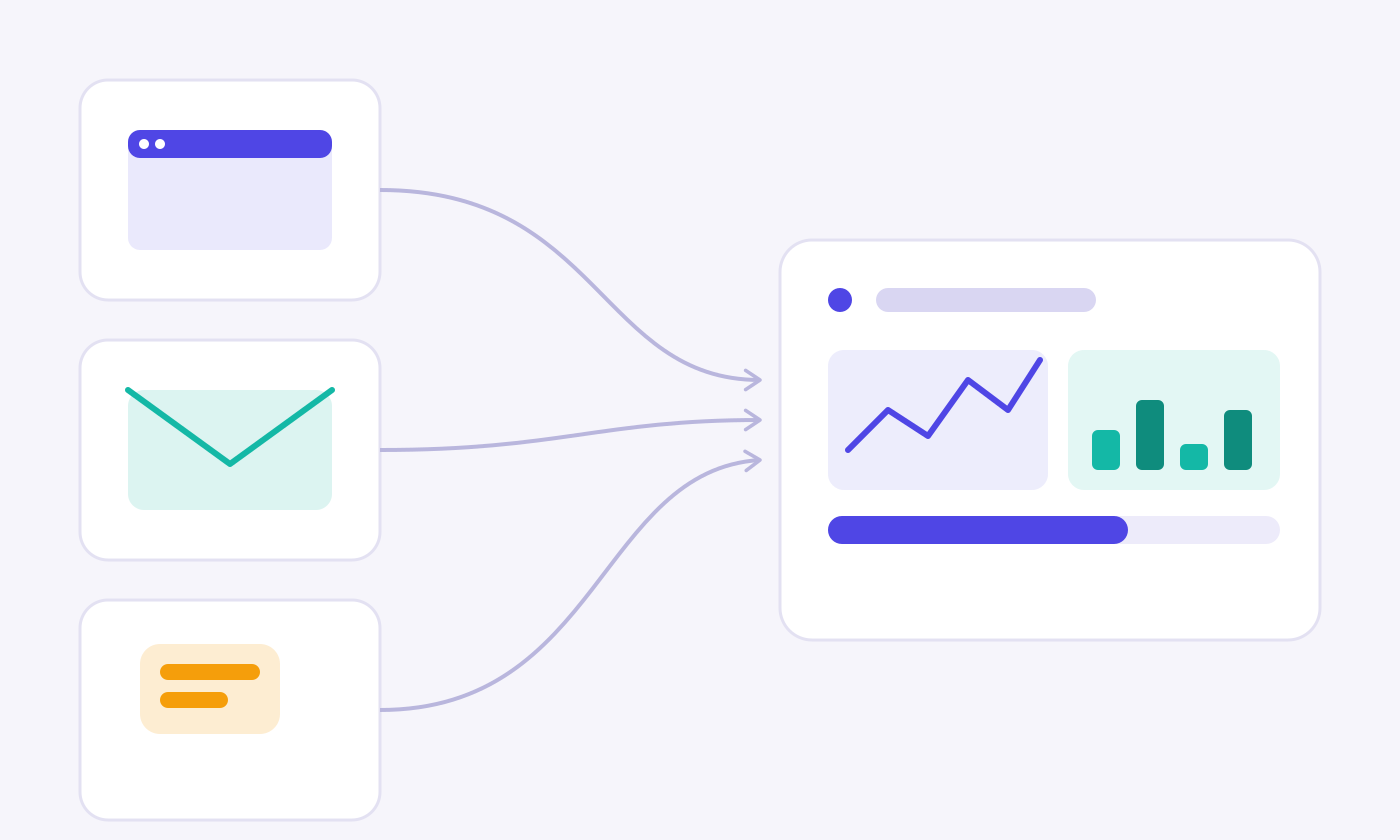
Mix widgets from different channels on the same canvas — a web sessions trend next to mail open rates, an SMS campaign bubble chart next to a live site-search word cloud — so nothing important is a tab away.

1Track Sessions vs. Unique Visitors alongside visitor behaviour by type — single, repeat and returning
2Compare mail Open Rate against Click Through Rate over the same week
3Plot SMS campaigns by Delivery Rate vs. Delivery-to-Click Rate to spot your best performers at a glance
4Surface what visitors are searching for on-site with a live word cloud widget
Illustration of web, mail and SMS channels feeding into one unified dashboard
SHARING & SCHEDULES

Get the Numbers to the Right Inbox

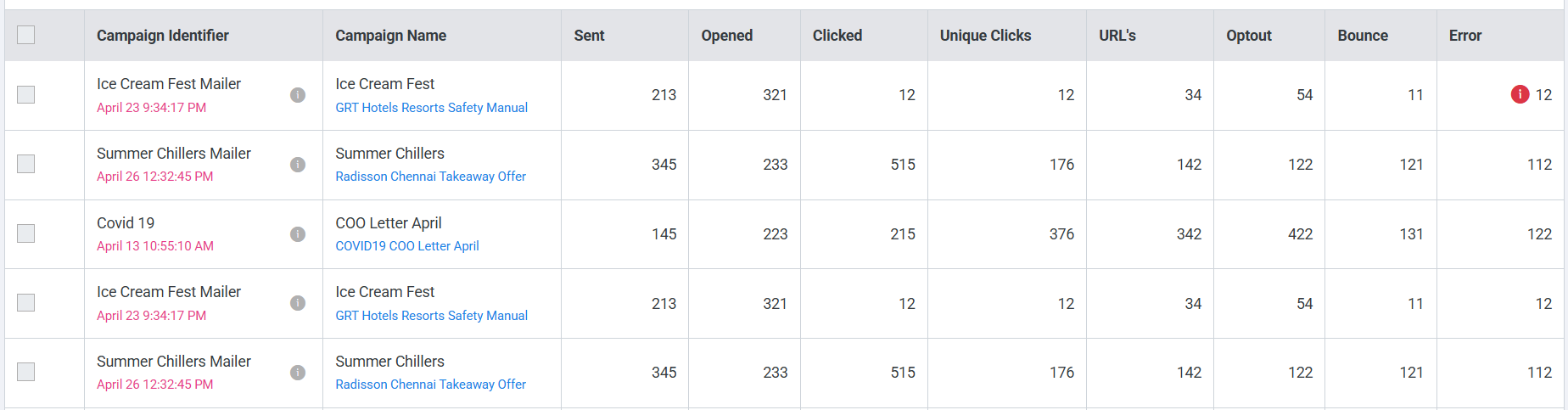
Schedule any dashboard to be emailed as a daily, weekly or monthly snapshot, or share a live link with stakeholders who need visibility but not a login. Every campaign report breaks down Sent, Opened, Clicked, Unique Clicks, Optout and Bounce so performance is never a guess.

Plumb5 campaign report table showing Sent, Opened, Clicked, Unique Clicks, Optout and Bounce for each mail campaign
DASHBOARD ELEMENTS

What You Can Add to a Dashboard

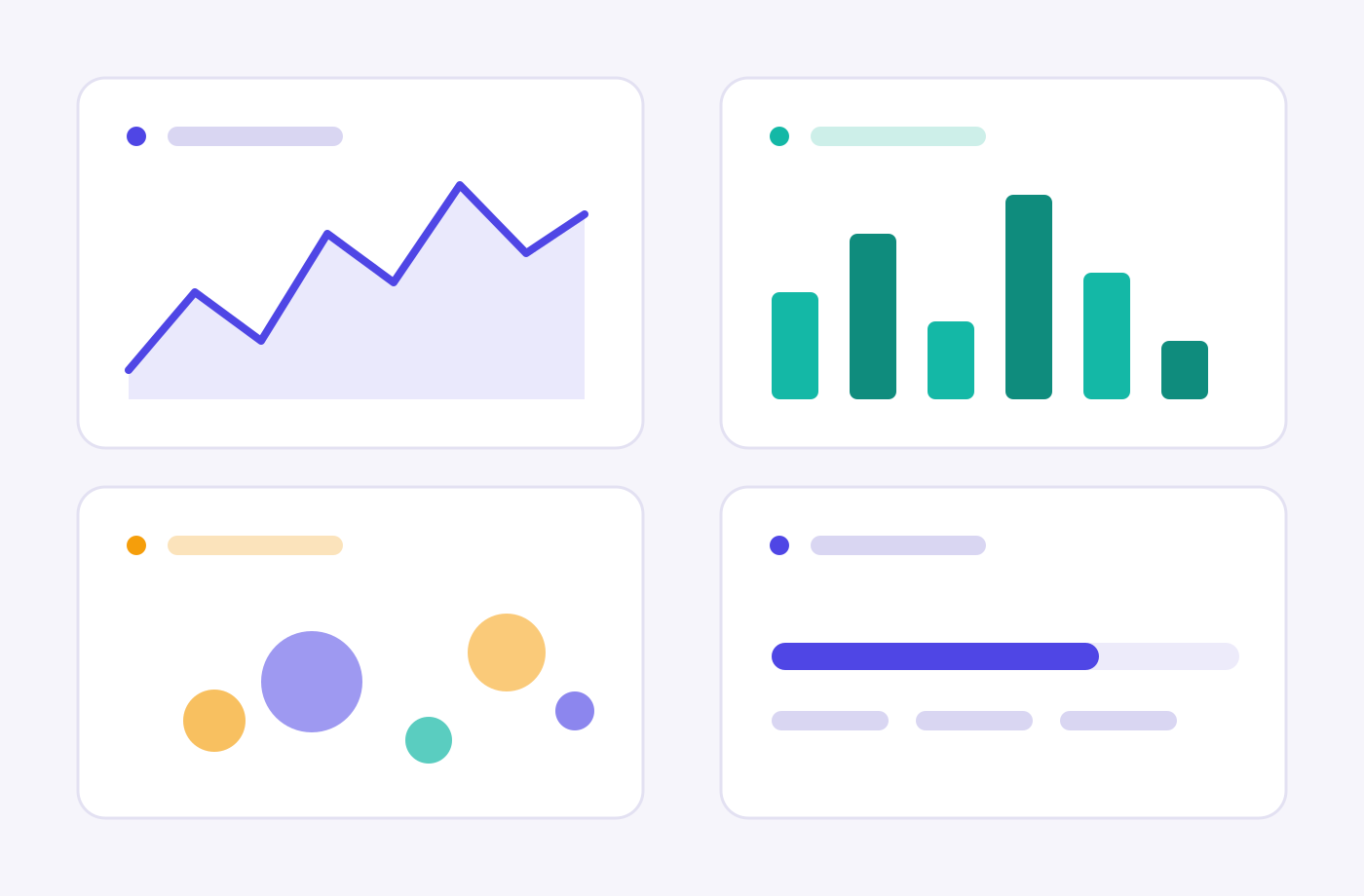
Line & Area ChartsTrack trends like Sessions vs. Unique Visitors over any date range.
Bar ChartsCompare behaviour segments — Single, Repeat and Returning visitors — day by day.
Bubble ChartsPlot campaigns on two metrics at once, like Delivery Rate vs. Delivery-to-Click Rate, sized by volume.
KPI & Progress WidgetsShow Sent, Delivered and Bounced counts with delivery-rate progress bars.
Word CloudSurface the most searched or most-used terms across your site or app.
Date FilterSwitch every widget on the dashboard between This Week, Last Month and custom ranges at once.
Illustration of a line chart, bar chart, bubble chart and KPI progress card widget

Want a dashboard built for your team?

See how quickly you can build a custom dashboard with your own data.